Applications & Tenant Check

Applications and Tenant Check
How renters apply
Renters click Apply for this listing on your listing page, or use the link they're emailed after checking in. The application is completed through our partner VERIFII.
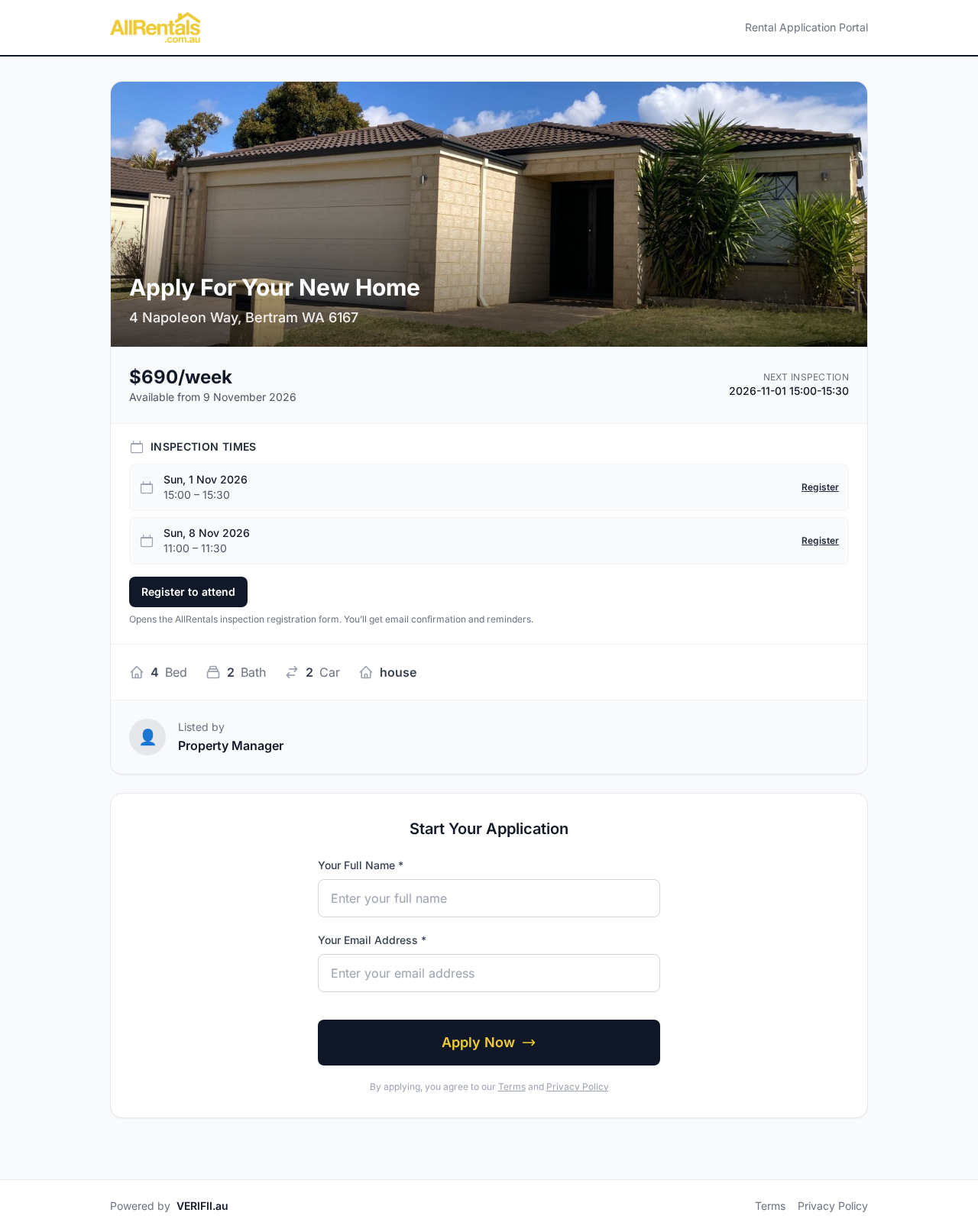
The apply page renters see: inspection times, Register to attend, and Start Your Application
Reviewing applications
In your account's side menu, click Rental Applications. VERIFII opens in a new tab, already signed in, so you can review your applicants.
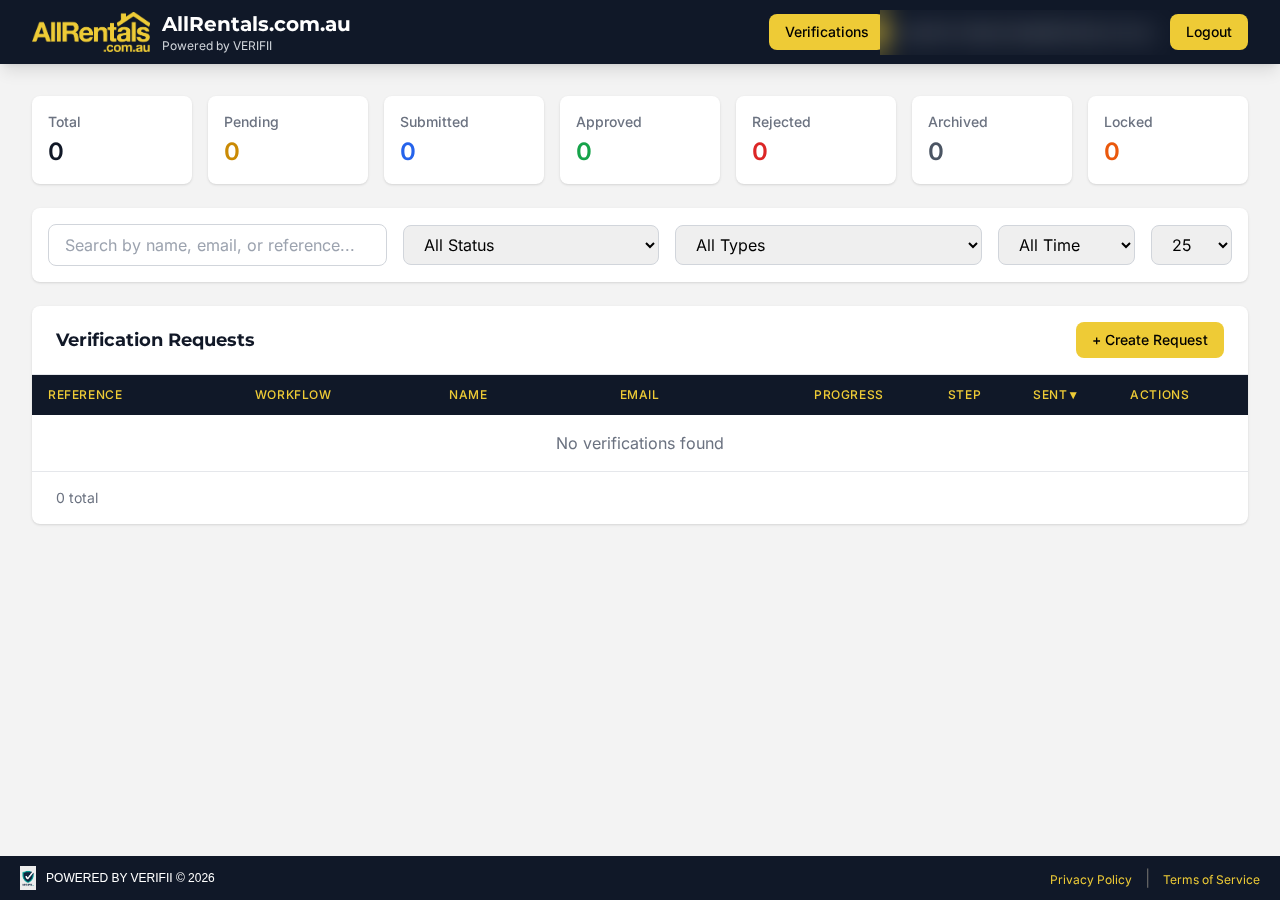
Rental Applications opens your VERIFII dashboard: totals by status, search and filters
Tenant Check (NTD)
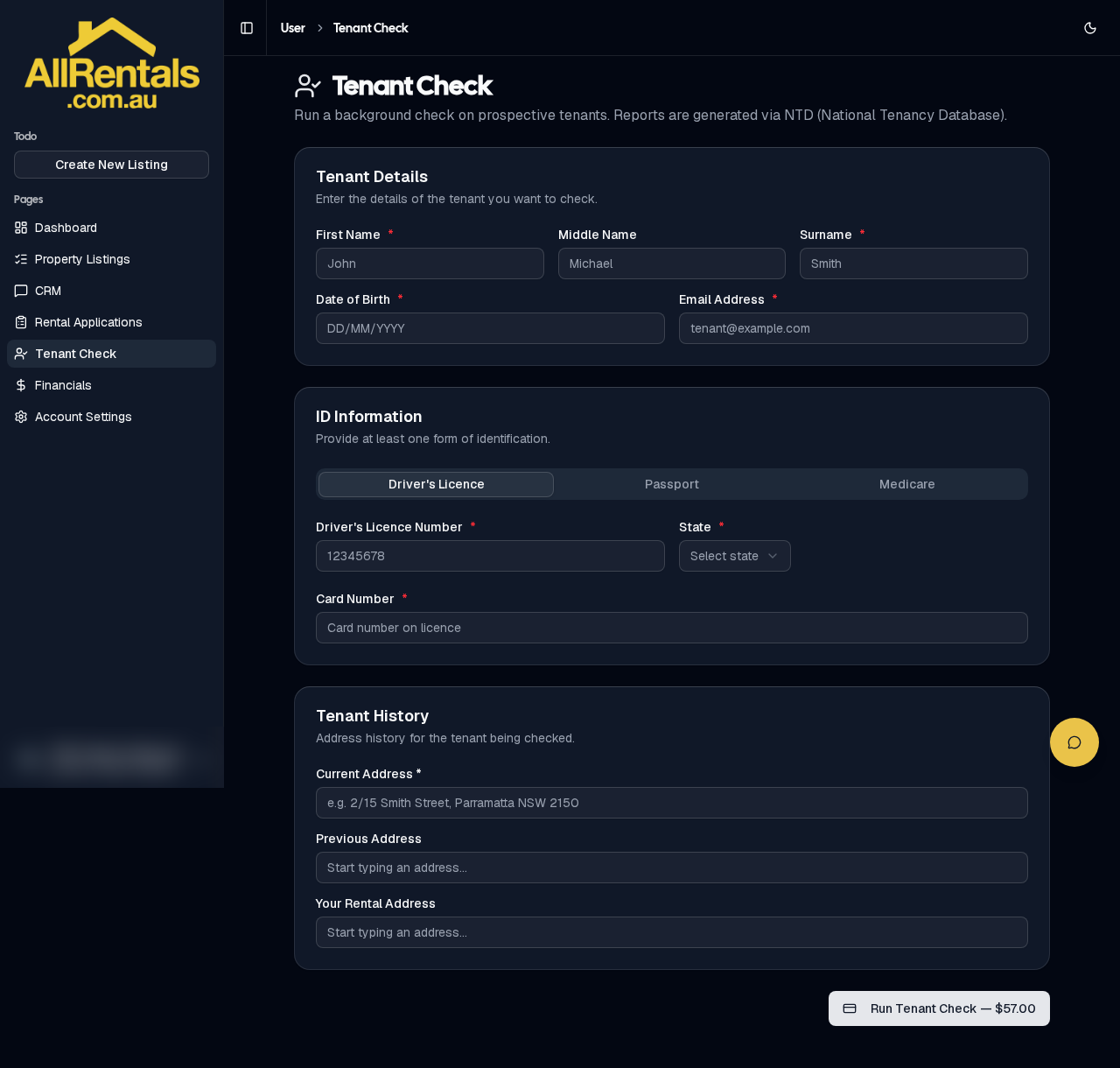
Tenant Check order form
- Click Tenant Check in the side menu.
- Enter the tenant's details, ID (driver licence, passport or Medicare) and rental history.
- Click Run Tenant Check and pay by card. It's $57.00 inc GST, and the price is shown at checkout.
- The report is emailed to you. You can also find it under Previous Tenant Checks, where you click Download report once it shows Completed.
Only check an applicant with their consent, and use the result fairly under your state's laws.