For renters
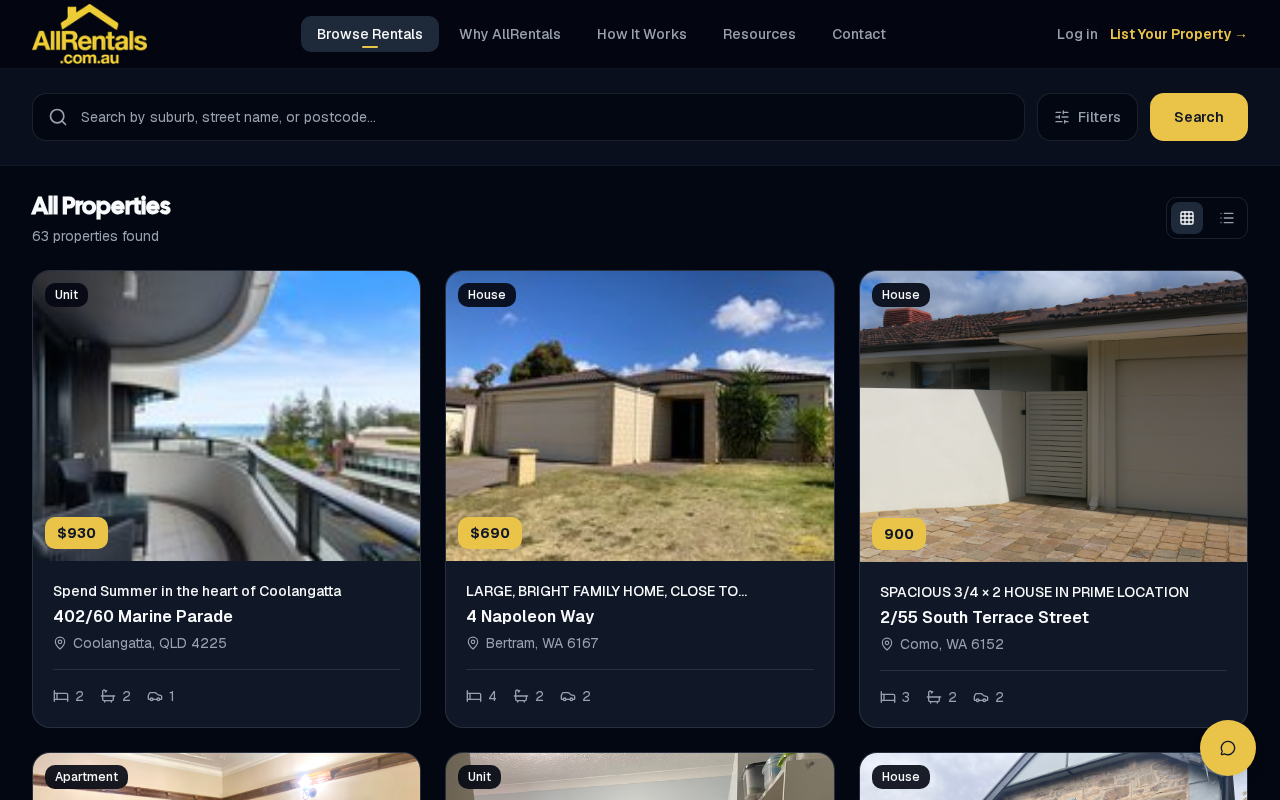
Browse Rentals
AllRentals is a listing service for private owners. We don't manage the properties, so the owner looks after your enquiry.
How to enquire
- Email: use the enquiry button on the site where you saw the listing.
- Phone: call 0415 326 355 and quote the 4-digit code shown on the listing. You'll be put straight through to the owner.

How phone enquiries reach the owner
Register for an inspection
- On the AllRentals listing page, find Inspections & applications and click Register for an inspection.
- Pick a time, then enter your full name, email, mobile and any comments. Click Register.
- You'll see "You're registered" and get a confirmation email with calendar links, a map and the contact number. It also has a link to cancel.
- We'll email you a reminder before the inspection.
No times listed? Request a time that suits you, or leave your details and the owner will contact you.
On the day: check in
Scan the QR code on the sign at the property. If you've already registered, use the same email. Walk-ins are welcome. Once you're checked in, we'll email you the link to apply.
Apply
Click Apply for this listing on the listing page, or use the link in your check-in email. Applications are completed through our partner VERIFII.