Billing & invoices
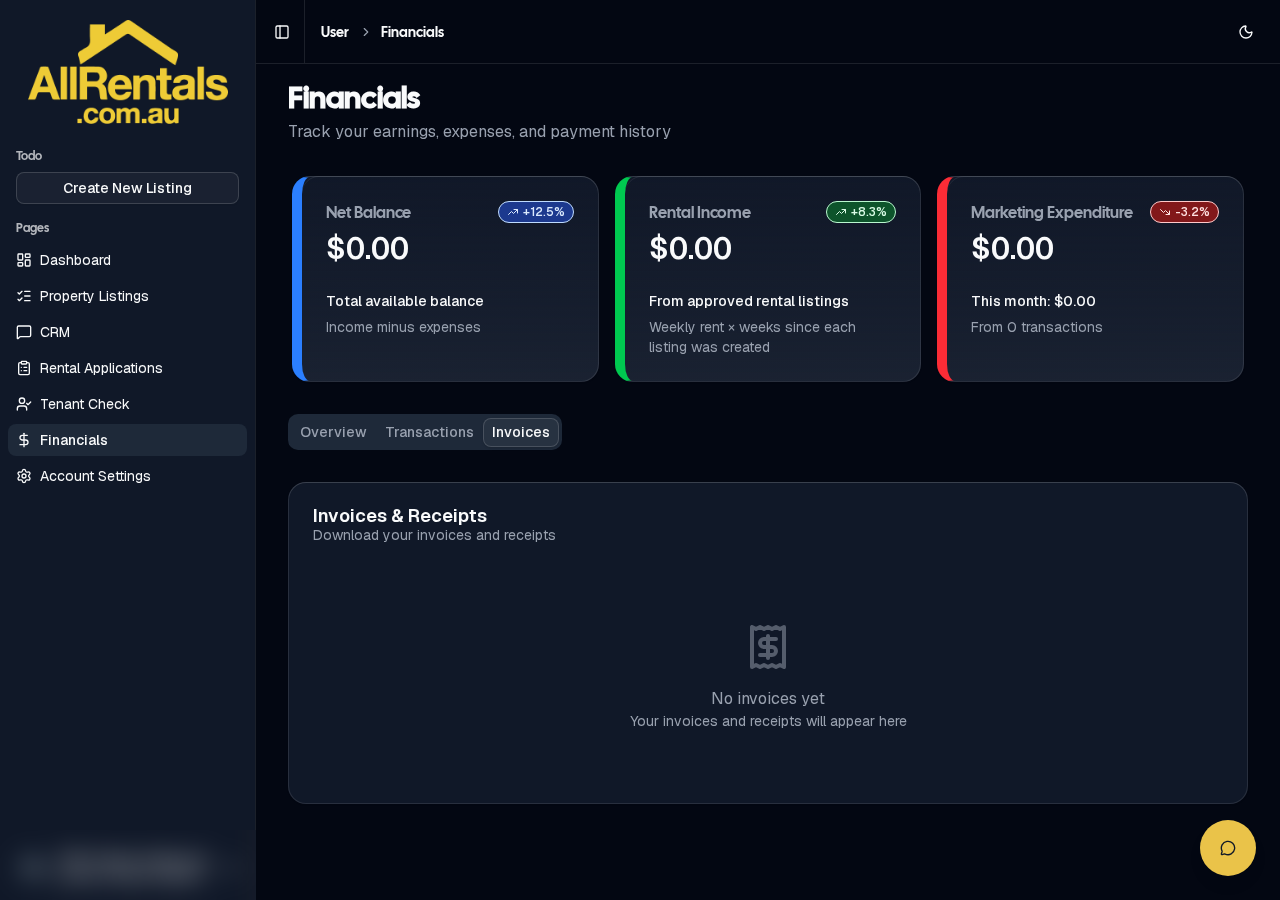
Financials → Invoices & Receipts
- You pay a one-time listing fee before your listing goes live. There are no monthly fees.
- A receipt is emailed to you automatically.
- Go to Financials, then the Invoices & Receipts tab. Click Receipt on any row to open your official tax invoice. For older invoices marked Legacy, click View Receipt, or email support@allrentals.com.au.
- Financials also has Overview and Transactions tabs.
Please check your details before you pay. Fees aren't refunded for mistakes made when creating or paying for a listing.