Listings

Create a listing
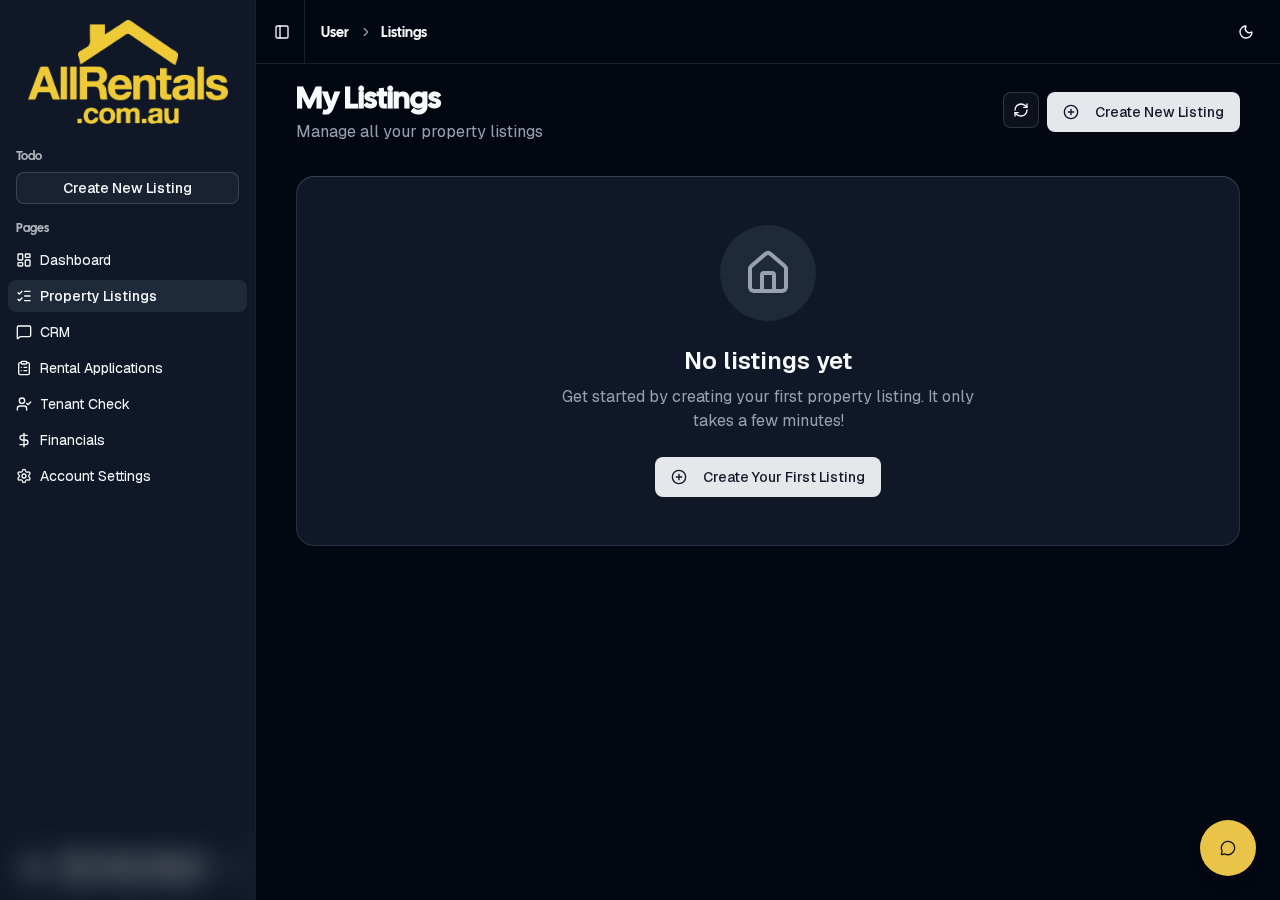
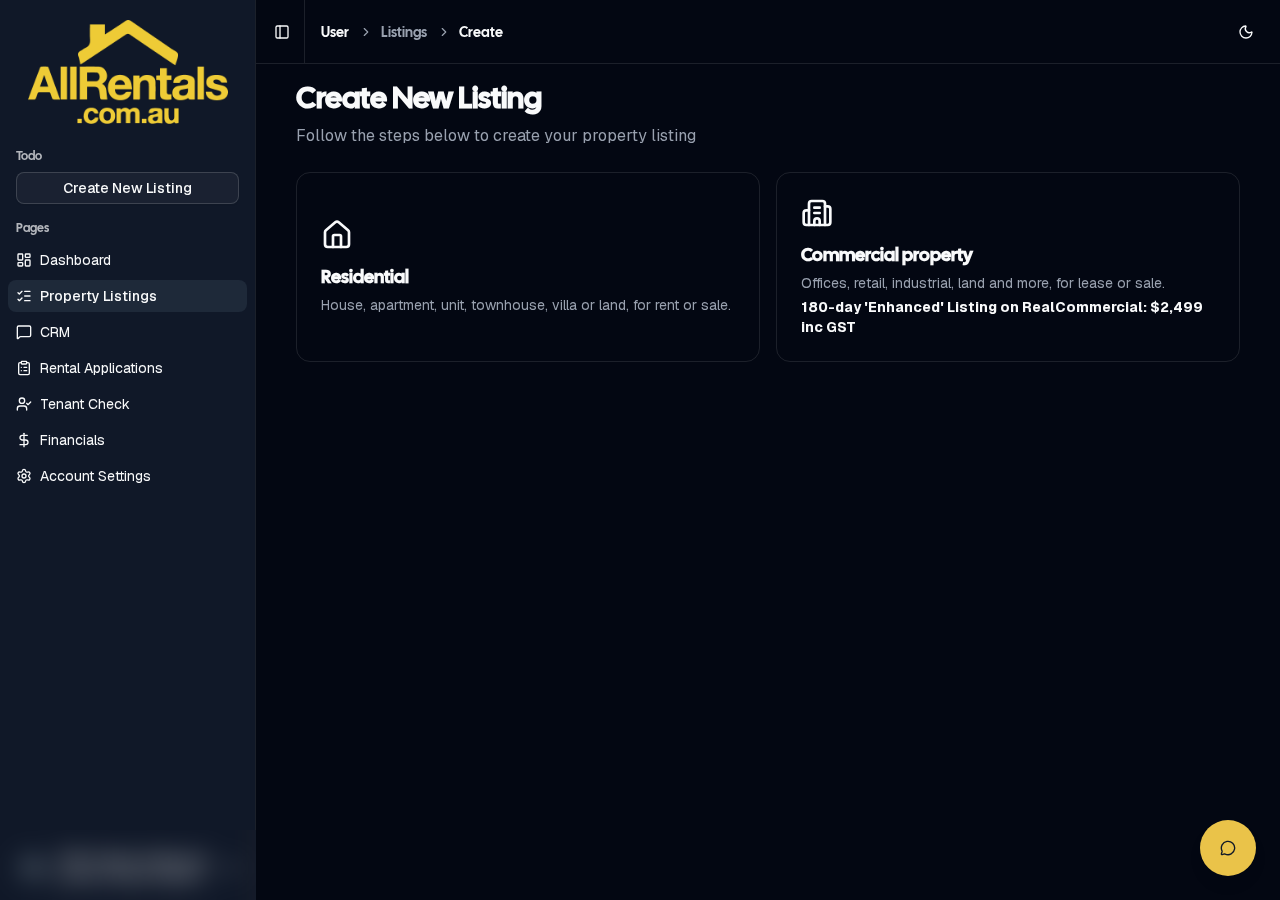
- Go to Property Listings and start a new listing (+ New Listing on mobile).
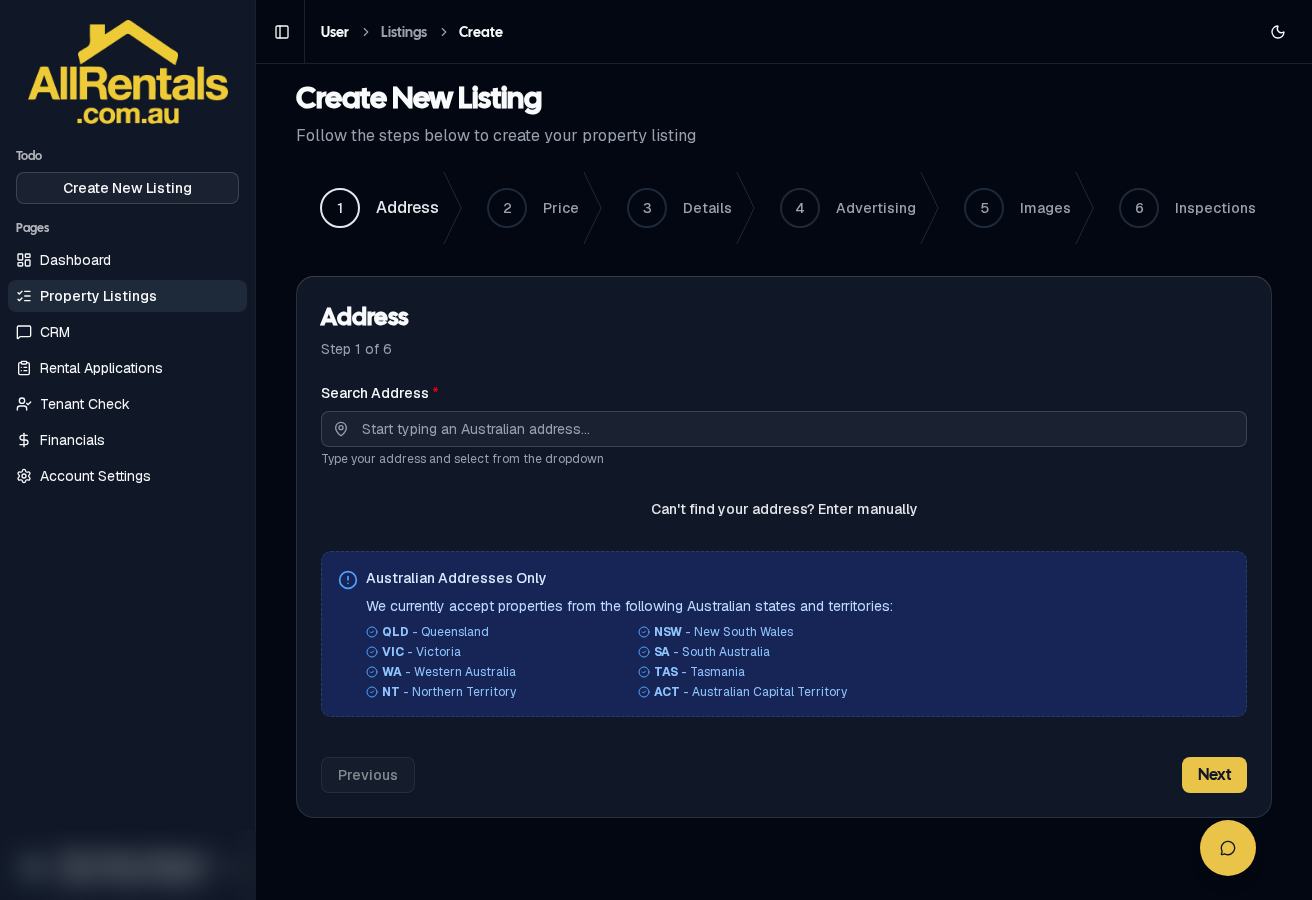
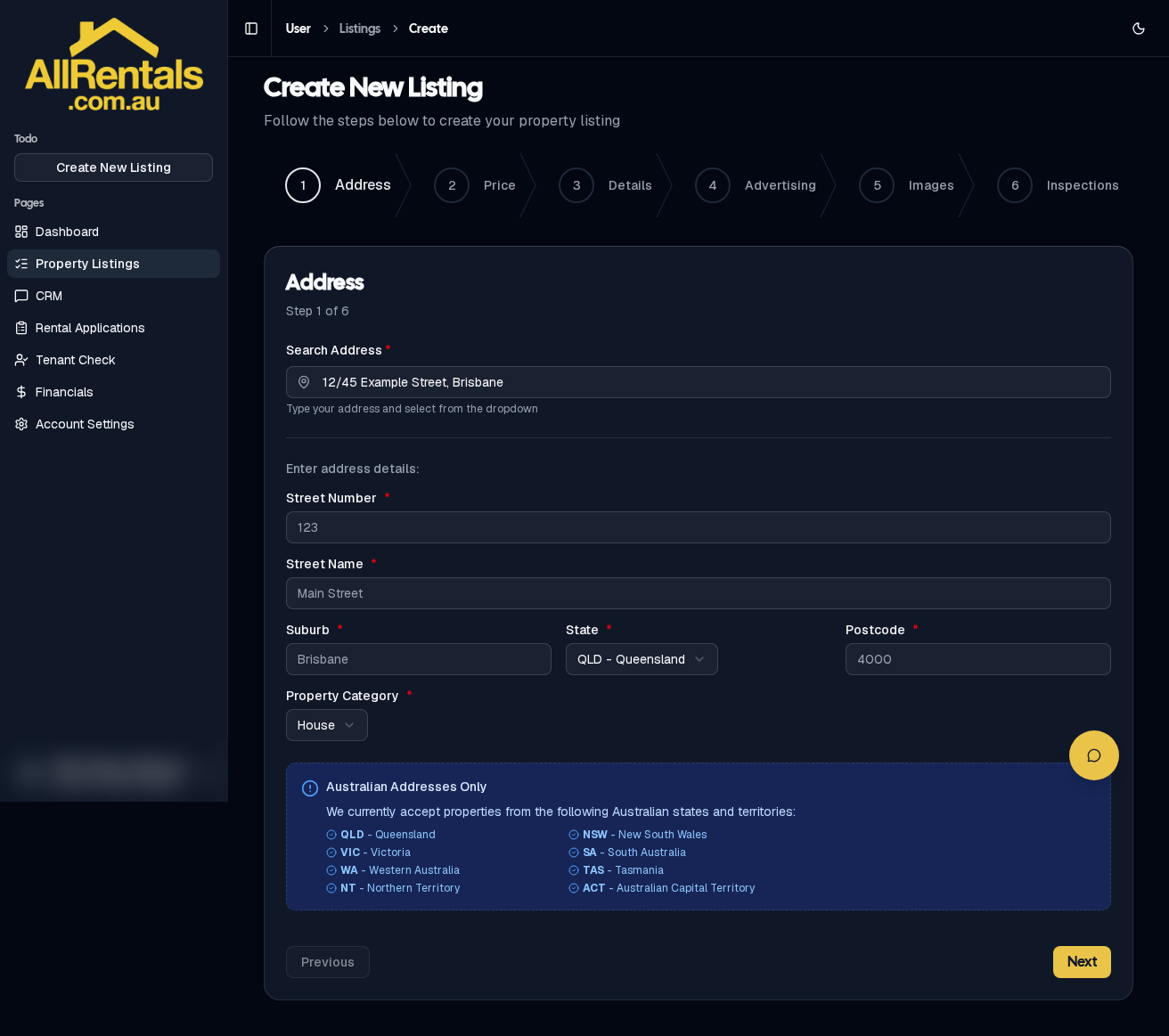
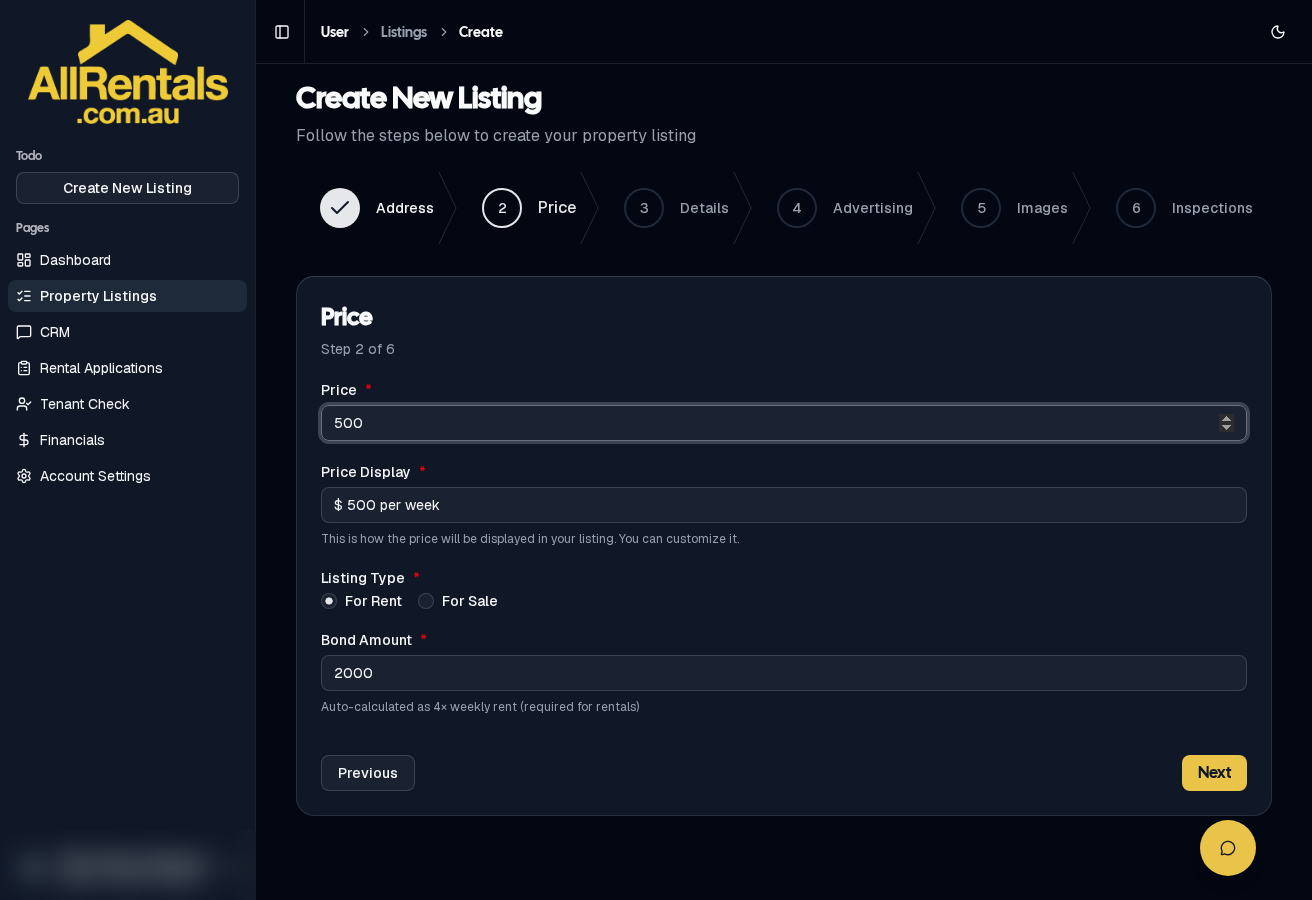
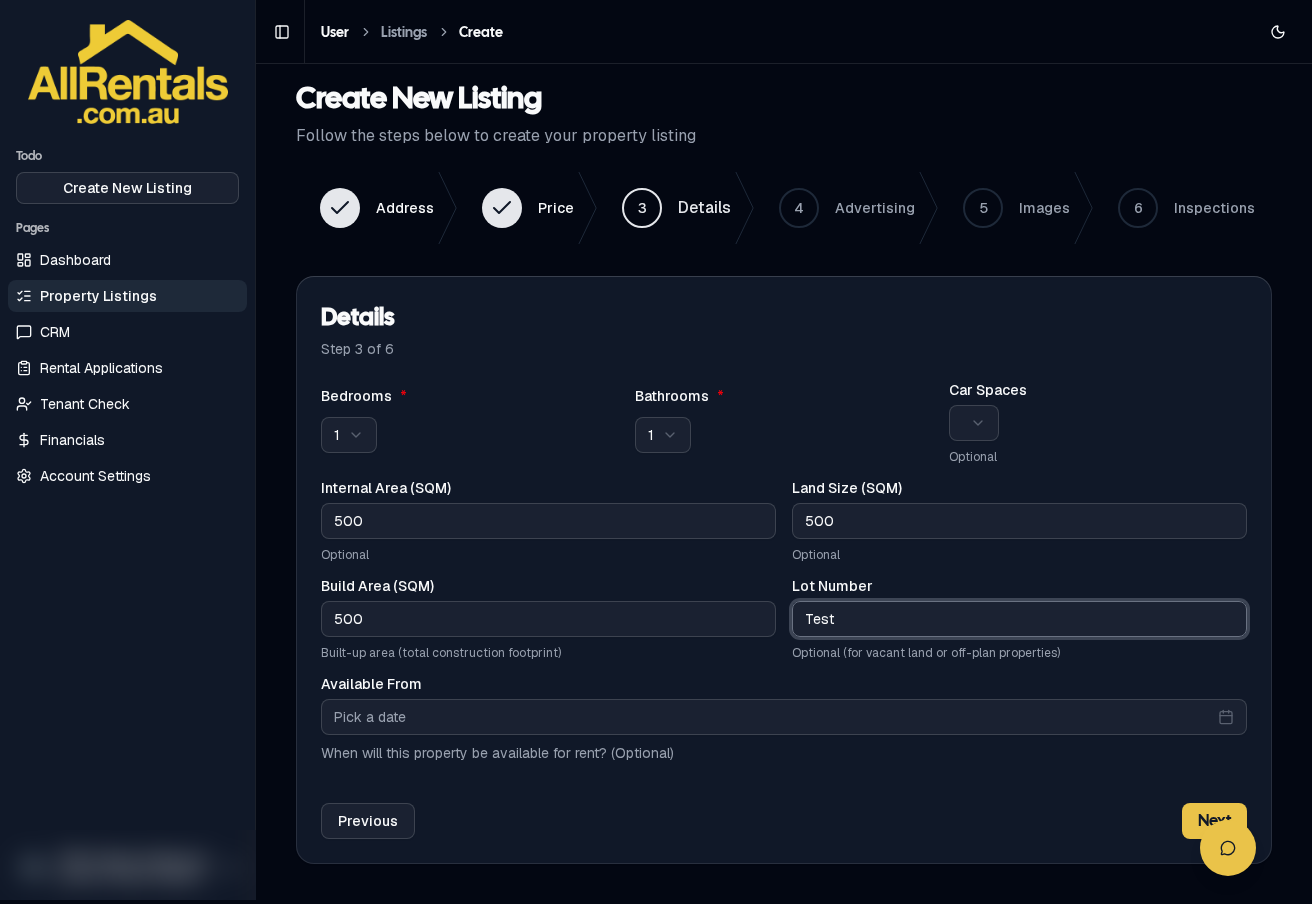
- Work through the 6 steps (Address, Price, Details, Advertising, Images, Inspections) using Back and Next.
- Click Publish Listing. You'll see "Listing Created! 🎉".
- On the listing card, click ACTIVATE LISTING, then Continue to Payment, and pay by card.
- Our team approves your listing, and it is sent to the portals.
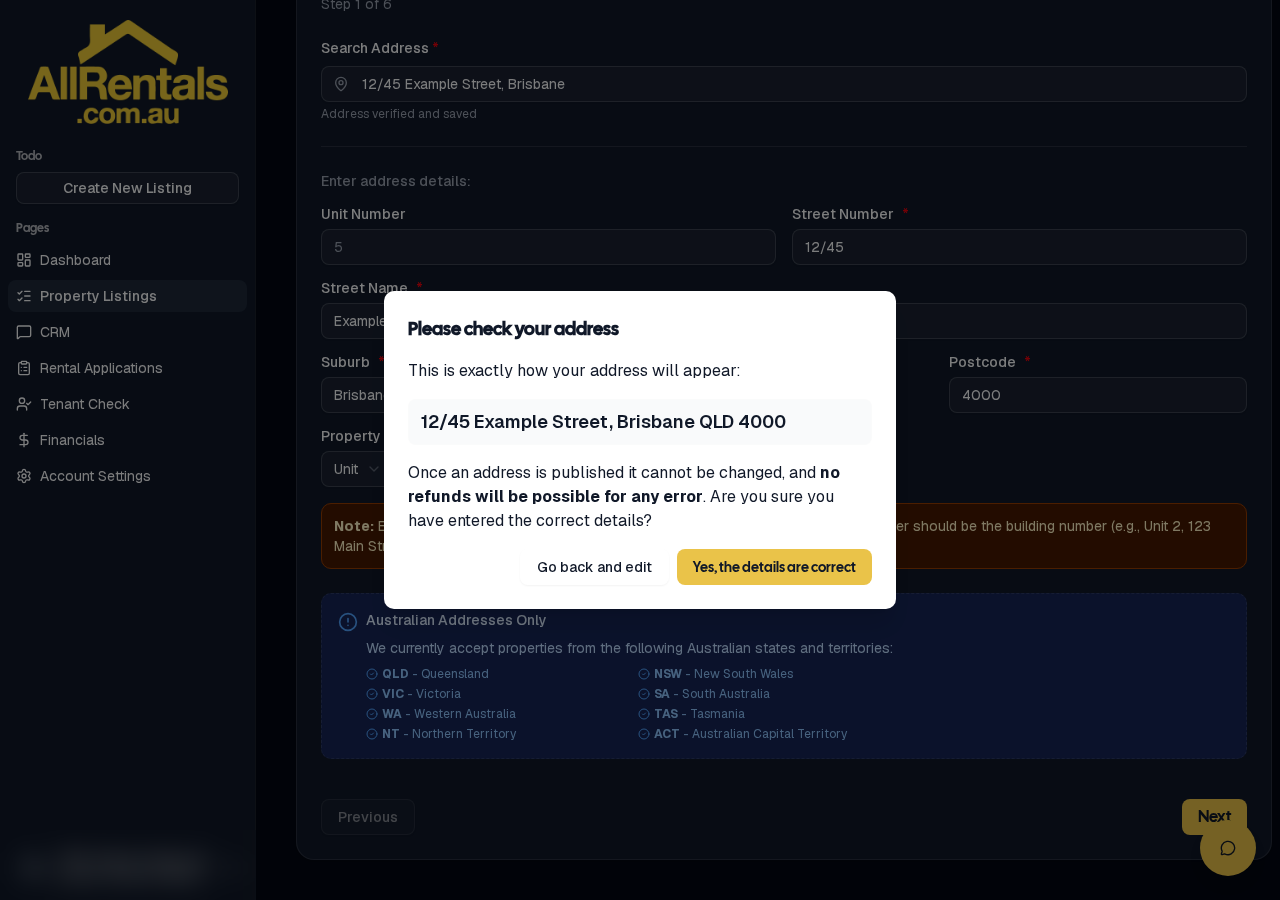
Step 1: Address
Step 2: Price
Step 3: Details
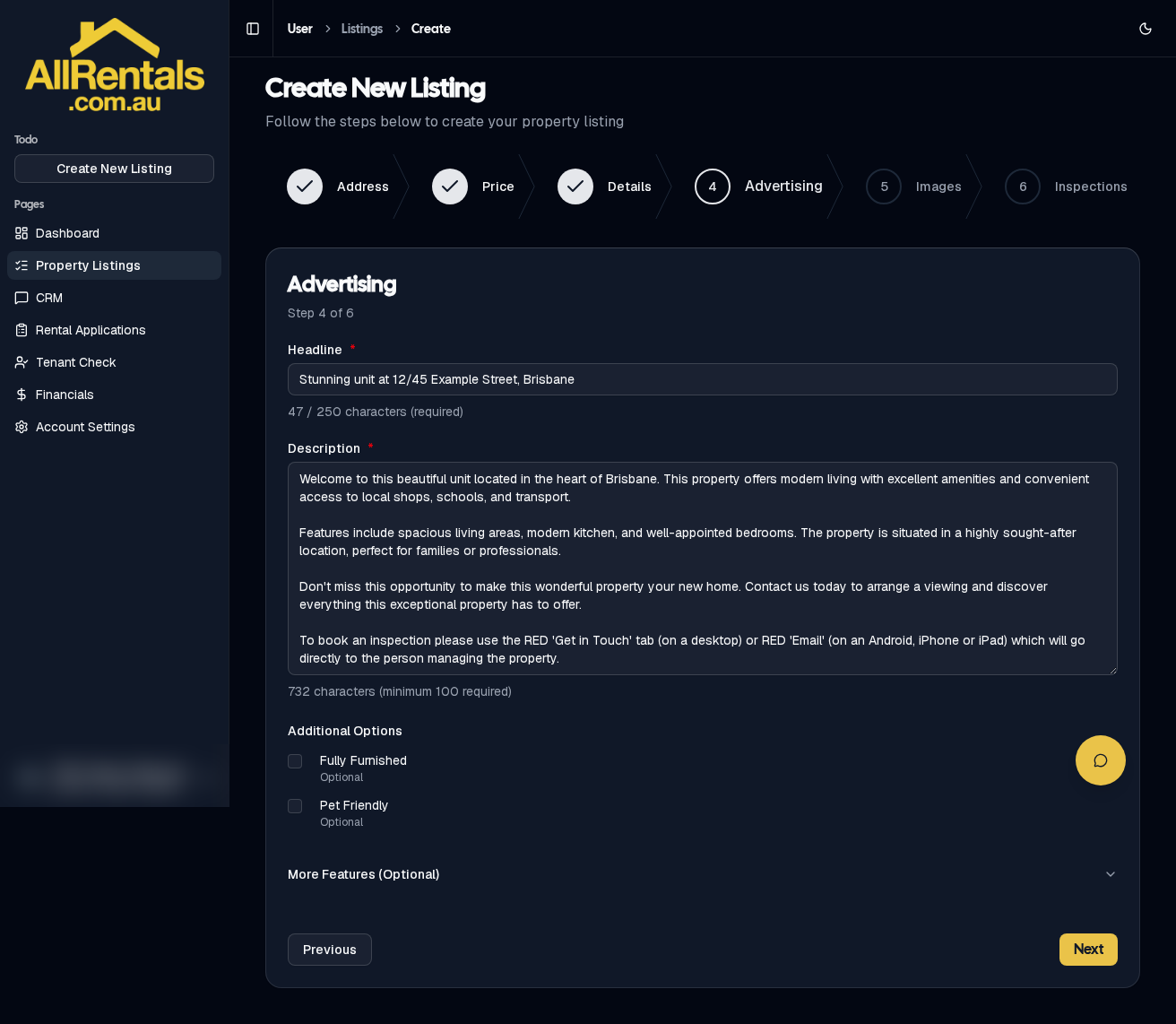
Step 4: Advertising
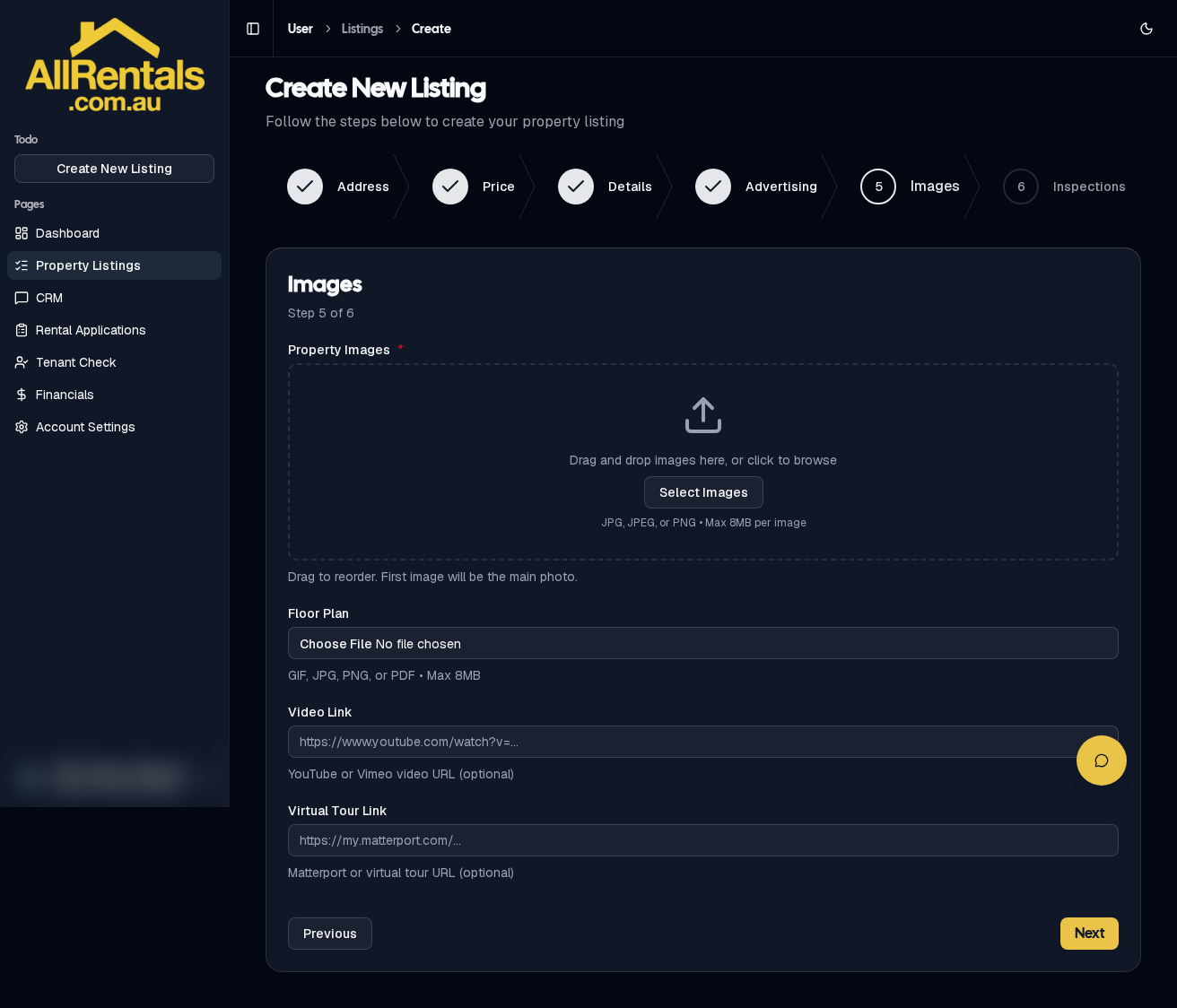
Step 5: Images
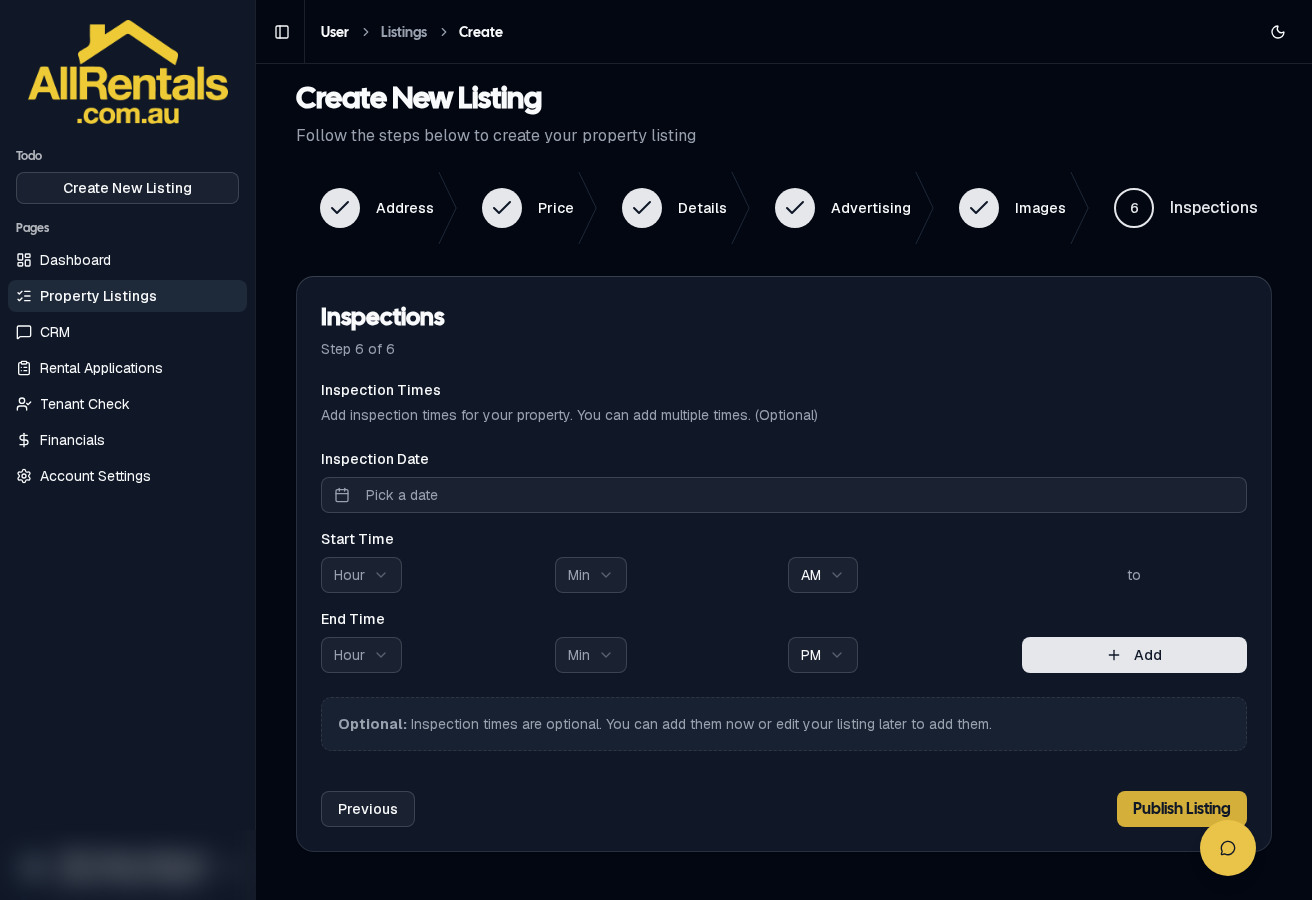
Step 6: Inspections
Fees: rental $158.26, sale $570.00, commercial $2,499 (all inc GST). The price is confirmed at checkout.
Where your ad appears
Residential: realestate.com.au, Domain.com.au, rent.com.au, Homely, RealEstateView, SQM Research, Homesales.com.au, property.com.au, OnTheHouse, PropertyValue and AllRentals.com.au.
Commercial: realcommercial.com.au.
Your call code
Portals only allow agency phone numbers, so your ad shows 0415 326 355 plus your own 4-digit code, and calls come straight to you. If you don't have a code yet, one is given to you automatically when your listing is published.
Edit a listing
Click Edit Listing on the card. Most changes go to the portals straight away. Changing the address, or the headline or description of an approved listing, needs our team to approve it again, and we'll email you.
Withdraw a listing
- From the card menu, choose Withdraw, then Yes, Withdraw Listing. Or click DEACTIVATE LISTING, then Yes, Deactivate Listing. Your ad comes down from all portals.
- Or use the one-time Withdraw link in our "is your property still vacant?" reminder emails. You don't need to log in.