CRM (My Rentals)
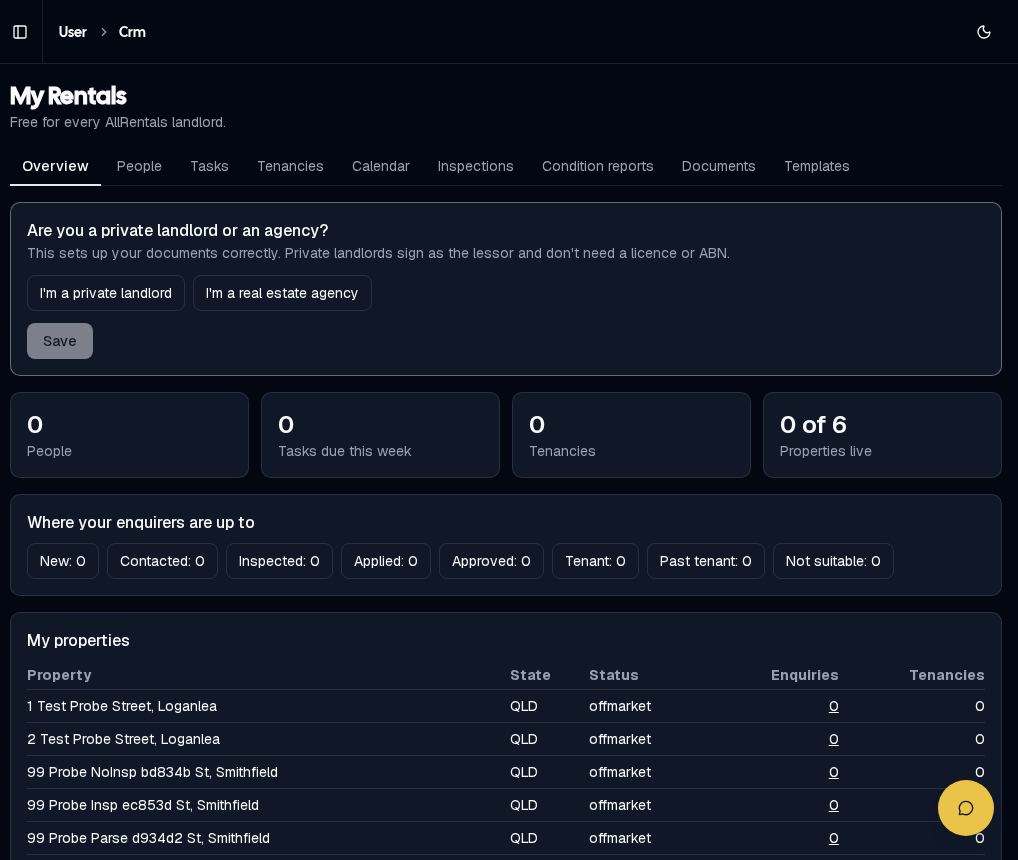
My Rentals overview
The Overview shows your people, tasks due this week, tenancies and properties, and a pipeline of where your enquirers are up to: New → Contacted → Inspected → Applied → Approved → Tenant → Past tenant (or Not suitable).
First time? Choose I'm a private landlord or I'm a real estate agency and click Save so your documents are set up correctly.
People
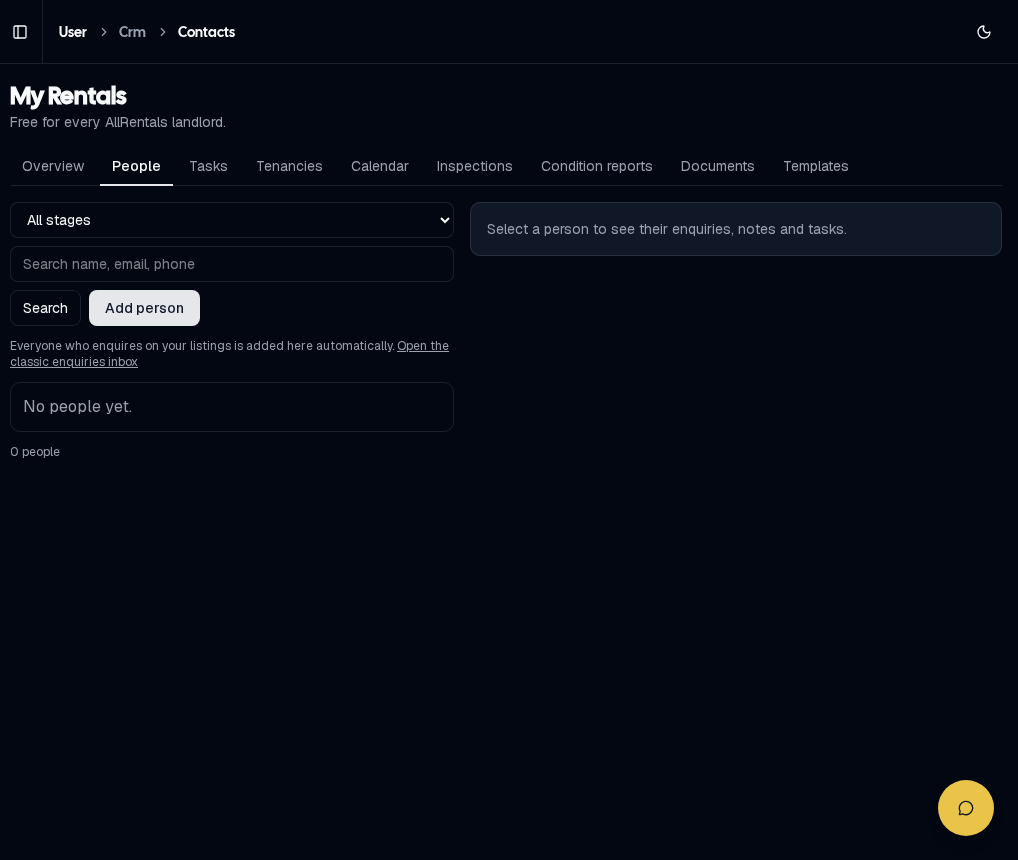
People: every enquirer, with their enquiries, notes and tasks
Filter by stage, search, or click Add person.
Tasks & Tenancies
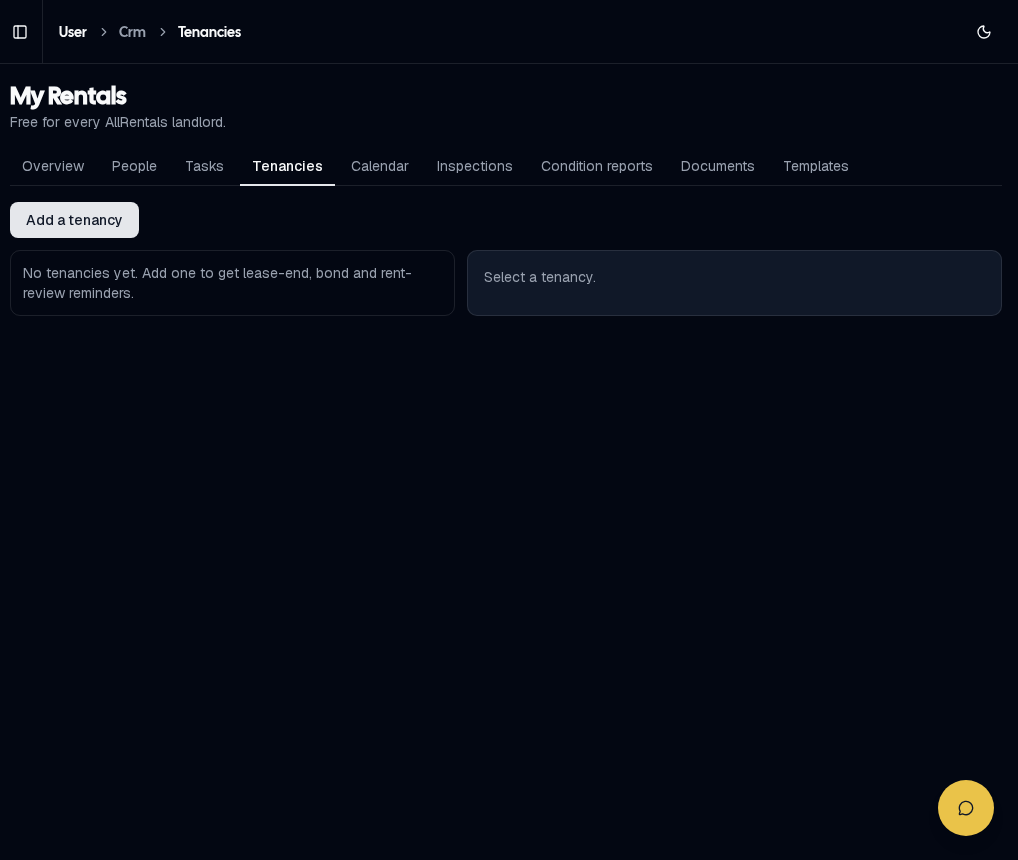
Tenancies
Add a tenancy to get automatic lease-end, bond and rent-review reminders in Tasks.
Reply templates
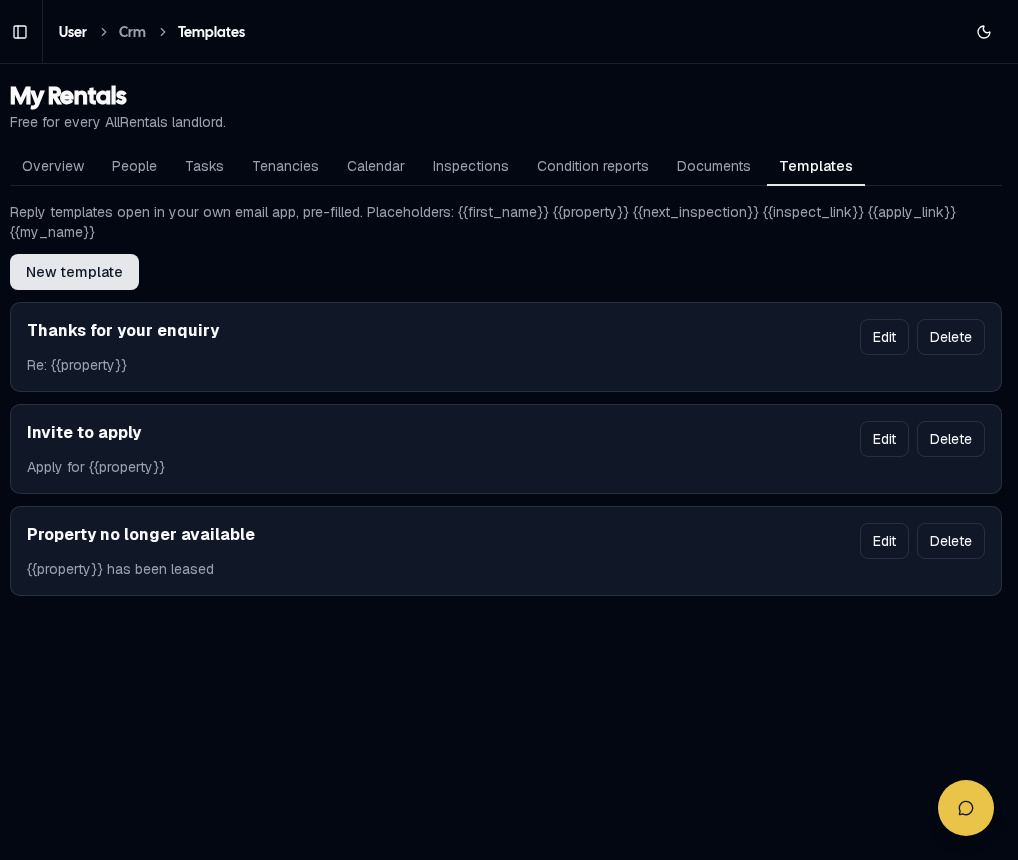
Templates open pre-filled in your own email app
Placeholders such as {{first_name}}, {{property}}, {{next_inspection}}, {{inspect_link}} and {{apply_link}} fill in automatically.